Add the references
Upload the images, clips, or audio that the shot actually needs. Skip files that repeat the same information.
Create reference to video on SeedGen when one still is not enough. Add the files that lock look, motion, or sound, then generate a 4-to-30-second clip.
Runs in the browser · no install · new accounts start free
This workflow starts from more than one file. Use it when a single picture cannot keep subjects, motion, or sound consistent.

On SeedGen, this workflow means upload the stills, clips, or audio that define the shot, then generate from this page.
Seedance 2.5 can take up to 50 mixed files. That is a capacity limit, not a requirement. For a longer setup guide, read the 50-reference guide.
If one finished still already has the subject, use image to video instead.
Upload the images, clips, or audio that the shot actually needs. Skip files that repeat the same information.
In the prompt, point to look, motion, or sound. Markers such as @Image1 help Seedance 2.5 follow the right asset.
Choose 4–30 seconds, 480p–1080p, and a supported ratio. Video and audio references also have duration totals in the form.
Submit from this page. Check Task Center, then confirm subjects, motion, and sound before you download.
These limits match the Seedance 2.5 Multi Reference workflow on SeedGen today.

Use stills for look, a short clip for motion, and audio for timing or mood. This page is for shots that one picture cannot hold.
Jimeng currently accepts up to 50 mixed files. Add only the assets that change the shot. A longer walkthrough lives in the 50-reference guide.
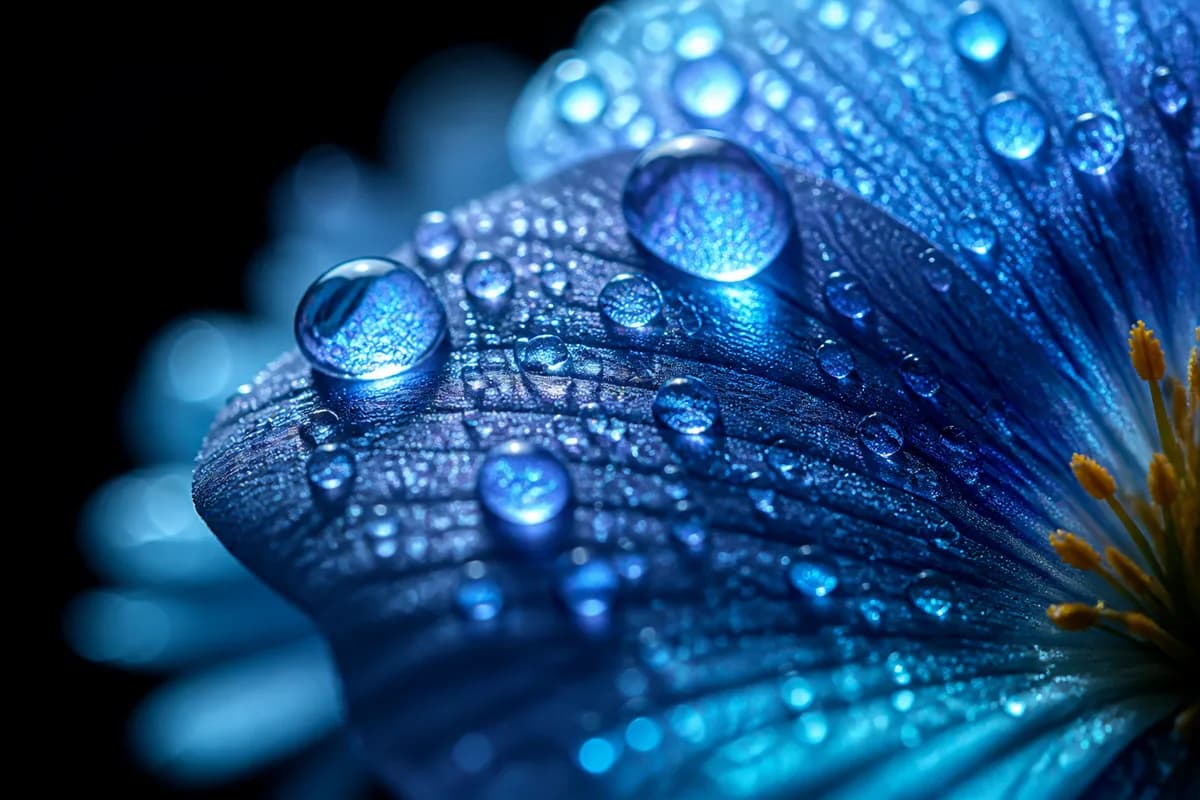
Set 4–30 seconds and 480p, 720p, or 1080p. Reference ratios here are 16:9, 4:3, 1:1, 3:4, and 9:16 — not 21:9 or adaptive.

Generate sound with the picture, or keep the output silent and mix later. Uploaded audio is a guide, not a finished soundtrack guarantee.
Two clips generated from two stills each on this page. Open the notes for the prompt, settings, and reference inputs.
Reference input

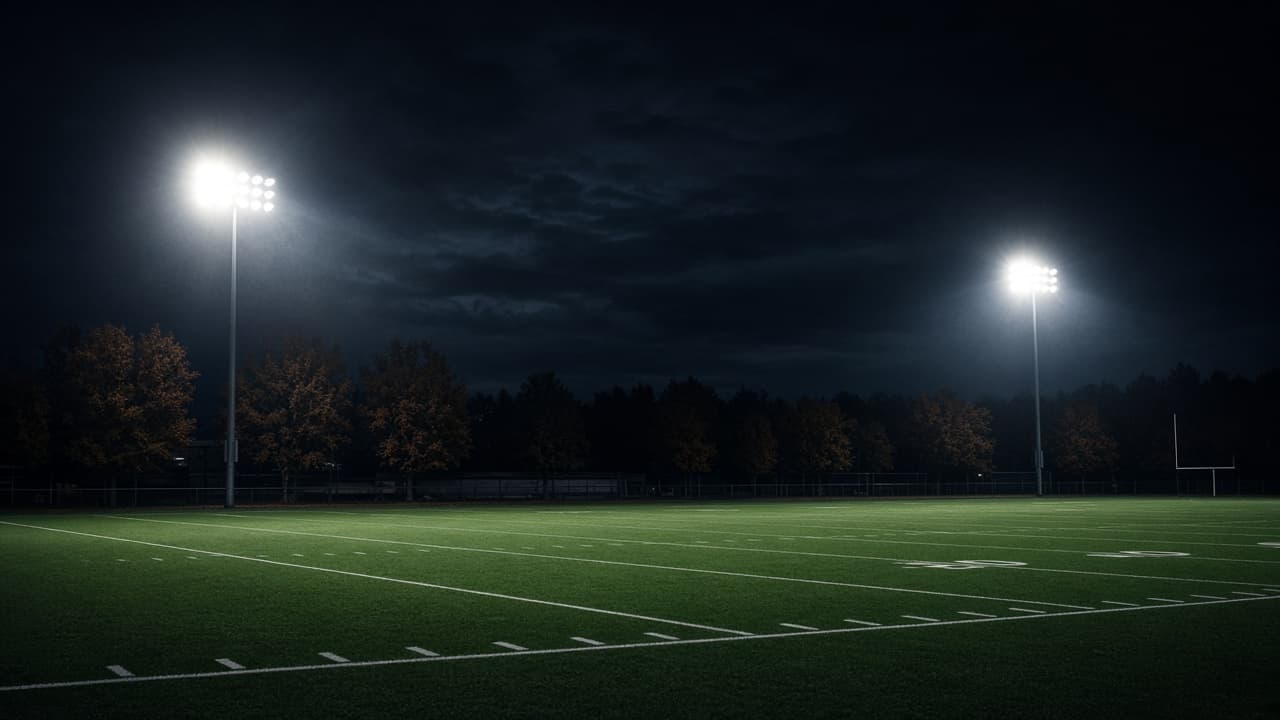
Use @Image1 for the football and @Image2 for the empty Friday-night field. Keep the ball on the wet turf under stadium lights. Slow push toward the ball, light mist, no players, no crowd, no logos.
Seedance 2.5 · two stills · 4s · 1080p · 16:9 · Smart prompt on
Reference inputs are the football still and the empty field still. This clip was generated on this page, not reused from the site library.
Reference input
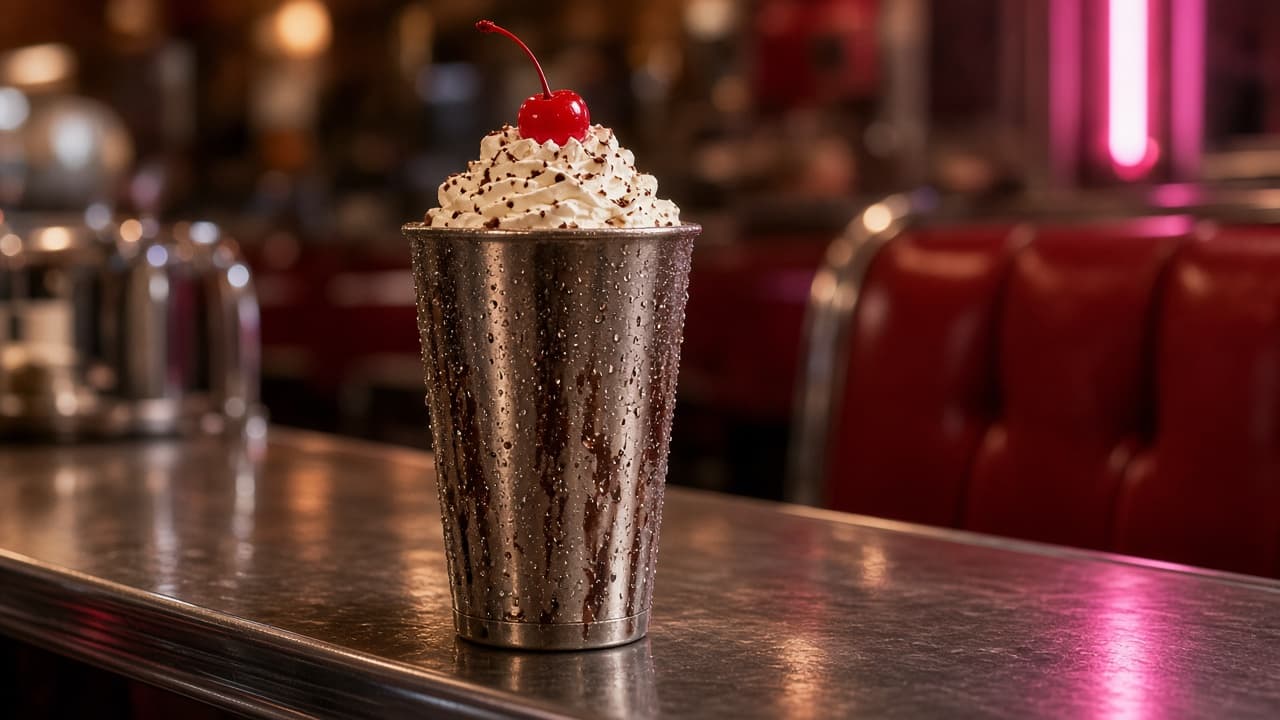
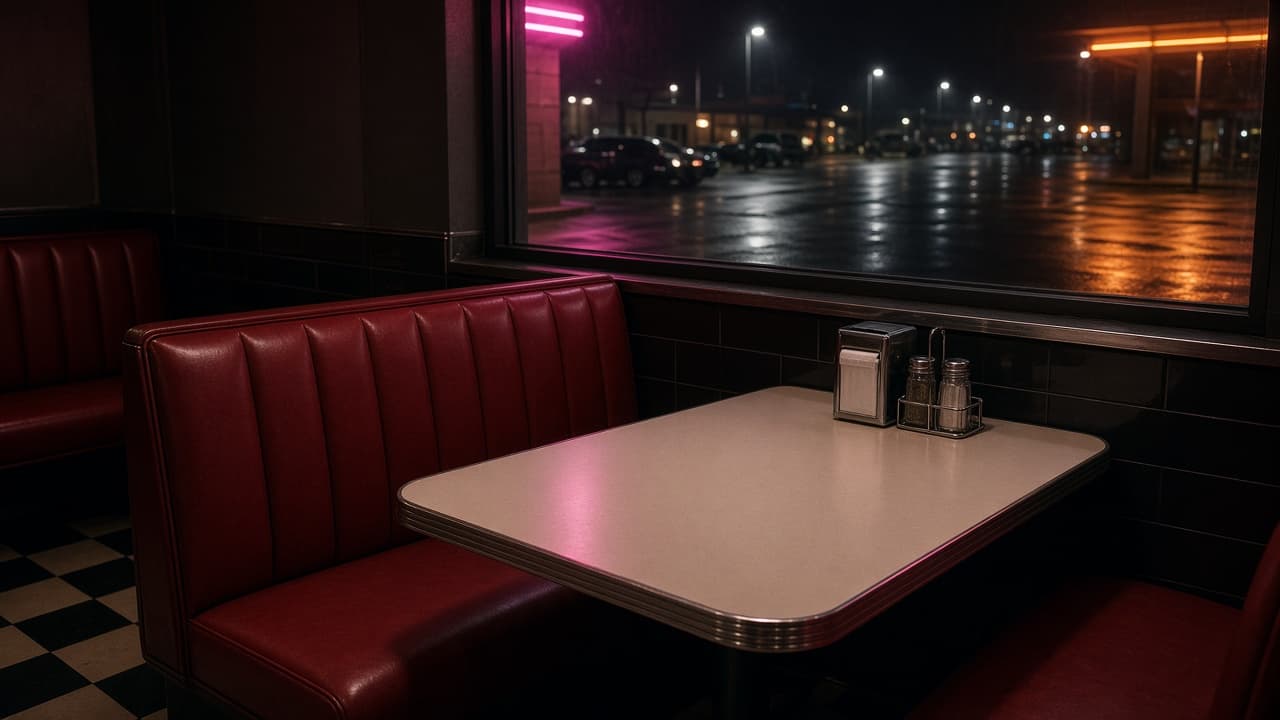
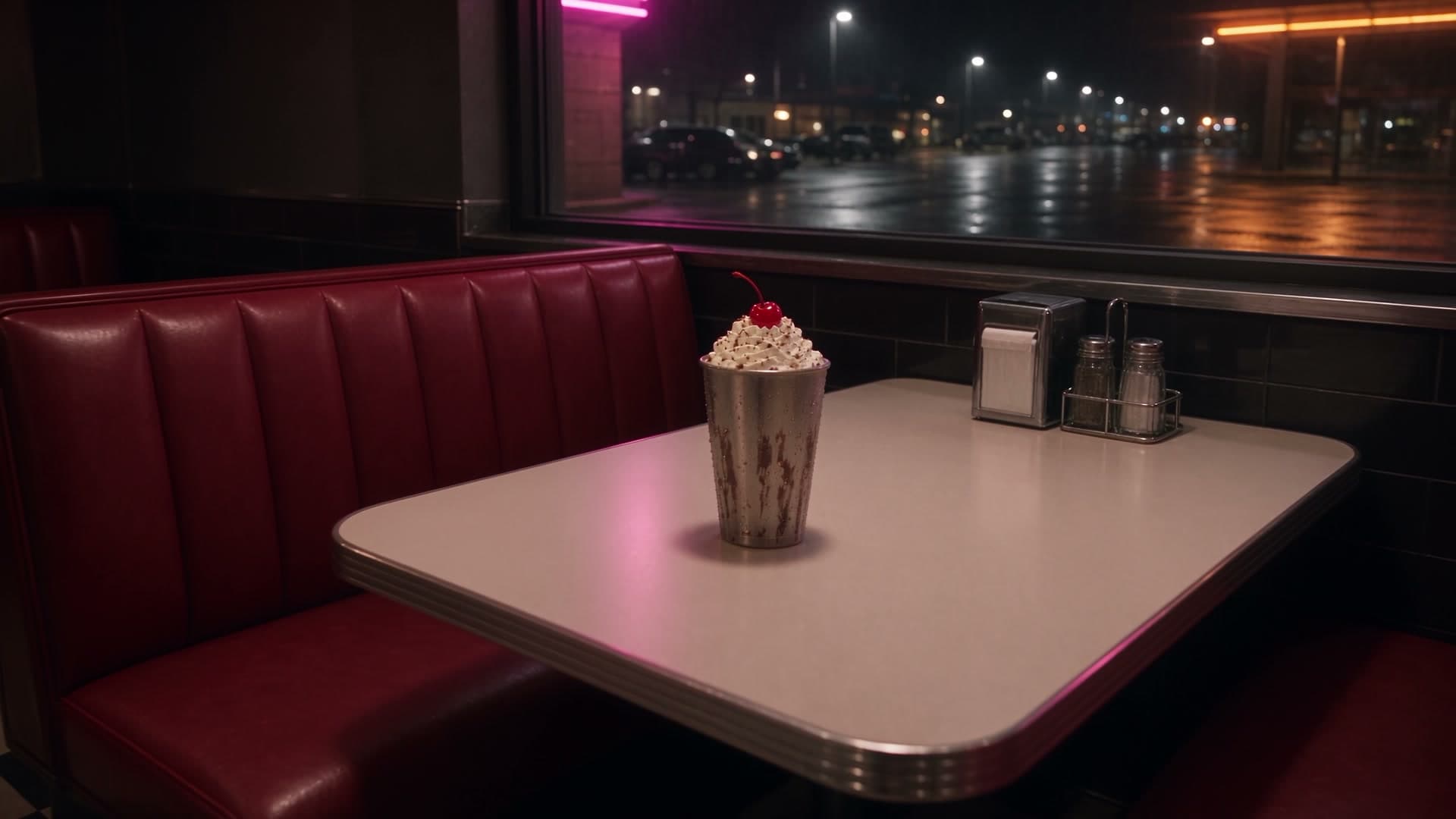
Use @Image1 for the stainless-steel chocolate malt milkshake and @Image2 for the empty red vinyl diner booth. Place the shake on the booth table by the night window. Slow push-in, pink neon glow, condensation on the cup, no people, no faces, no logos, no extra food.
Seedance 2.5 · two stills · 4s · 1080p · 16:9 · Smart prompt on
Reference inputs are the malt shake still and the empty diner booth still. This clip was generated on this page, not reused from the site library.

Give the object and the place their own stills when one photo cannot keep both locks stable.
Pair a packshot with a set still when the product and the setting both have to stay recognizable.
Use several stills for palette, texture, and location when a single key art is not enough.
Add a short video or audio file when the beat, camera move, or rhythm matters more than a still.
Stay here when the shot needs more than one file. Switch when a single still is enough.
Several files that must stay consistent together.
One finished still that already has the subject.
Images, video, and audio references.
A single image.
Multi Reference accepts up to 50 files.
The Image tab is a one-image reference, not first and last frames.
Stay here if one picture cannot hold the shot.
Use image to video when the still is already enough.
Short answers on uploads, file limits, ratios, credits, and commercial use.
Credit packs and per-second rates are on SeedGen pricing.
Add the files that lock the shot, describe the roles, and generate the clip on this page.
Open the generator