Text, image, and multimodal reference workflows

Wan 3.0 AI Video Generator

Direct Wan 3.0 with a prompt, a first and last frame, or up to 20 mixed image, video, and audio references. Create synchronized sound with the video, choose Standard or faster Prime, and build a 2-to-30-second shot at up to 1080p.

Runs in the browser · no install · new accounts start free

20 refs

Image, video, and audio

2–30s

Adjustable output

1080p · 30fps

Current max output

Native audio

Dialogue, music, and effects

Wan 3.0 Video Examples

Watch two verified Wan 3.0 results, then open the prompt context to see how each shot was directed.

Runners through ancient ruins

30s · 720p
View prompt and notes

Two backpacked runners race through sunlit ruins as a tracking camera follows from behind and beside them. Warm light, valley views, consistent appearance, cinematic adventure style.

This Wan 3.0 result tests continuity across a longer two-subject shot.
Stormbound warship

5s · 16:9
View prompt and notes

A gray warship cuts through towering storm waves in an aerial tracking shot. White spray, heavy clouds, distant lightning, cinematic naval-action style.

The Wan 3.0 prompt separates motion, camera, weather, and finish.

What Is Wan 3.0?

Wan 3.0 creates picture and synchronized sound together, with enough runtime and input control for a complete short scene.

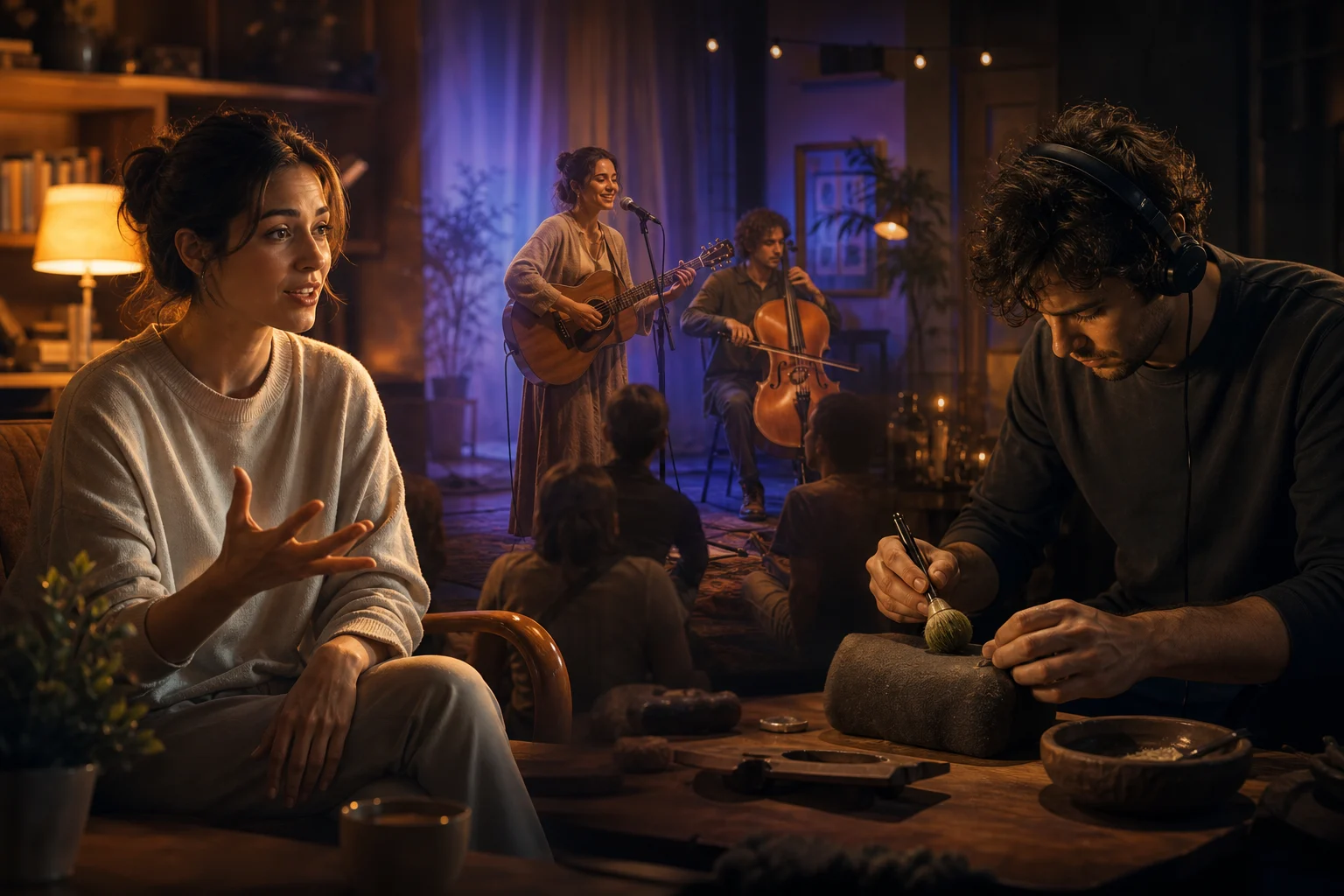
A speaking performer, live musicians, and a foley artist creating synchronized sound for a Wan 3.0 story

Wan 3.0 is an all-in-one model in the SeedGen workbench. Start from text, first and last frames, or mixed image, video, and audio references.

Wan 3.0 supports up to 20 references and 2-to-30-second output at up to 1080p and 30fps. Choose lower-credit Standard or speed-optimized Prime before generating.

Use Wan 3.0 when opening and closing frames must be defined, or when separate references need to guide motion, appearance, and sound.

Each task stays in SeedGen's Task Center, so you can return to the result after generation.

Wan 3.0 Key Features

Wan 3.0 combines native sound, long-form output, mixed references, frame guidance, flexible formats, and two speed-and-cost choices in one model.

A speaking performer, live musicians, and a foley artist creating synchronized sound for one cinematic story

Native Audio and 30-Second Stories

Wan 3.0 creates synchronized dialogue, music, and effects with the picture. Set a 2-to-30-second output for a quick beat or a complete short scene.

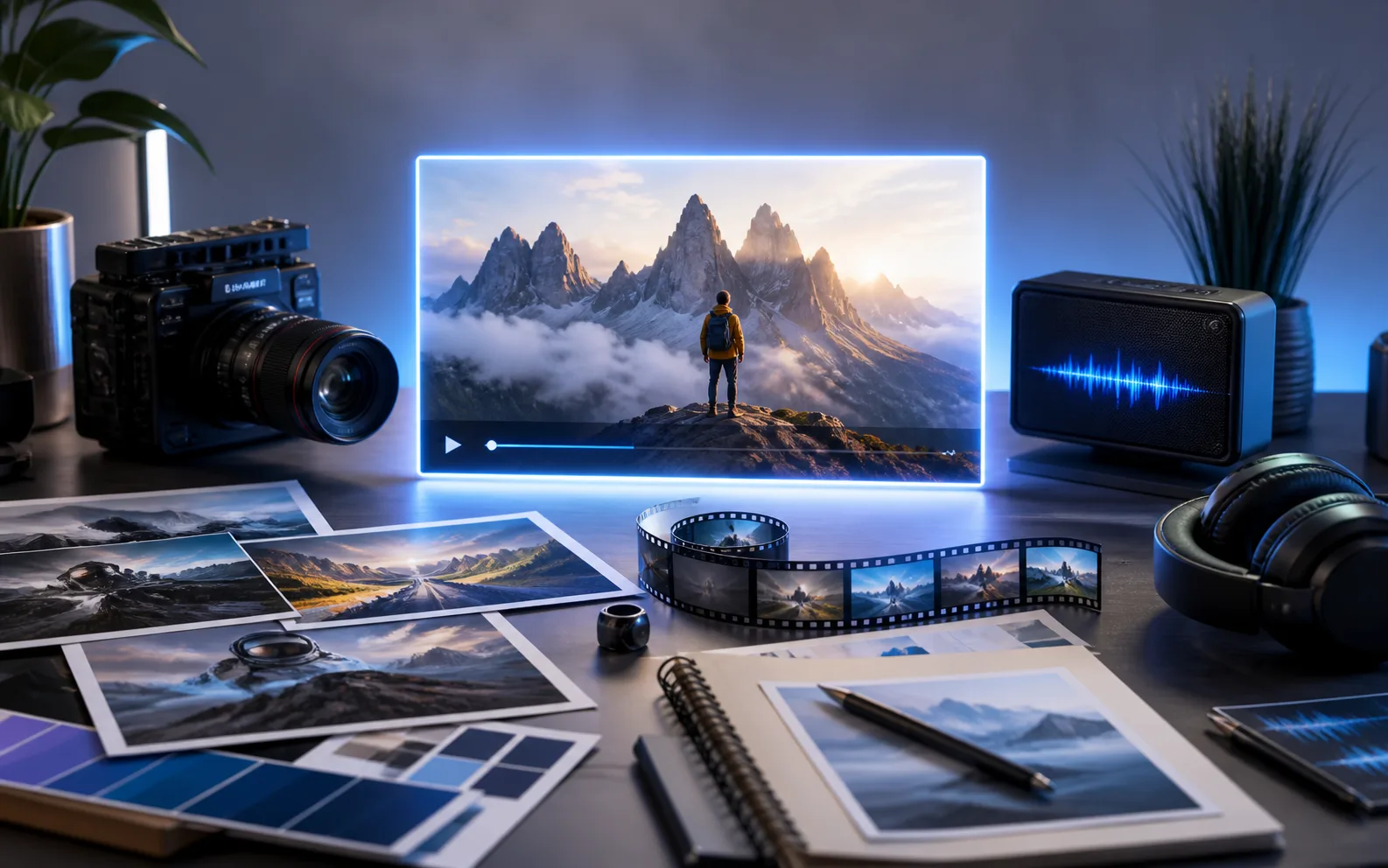
A creative production desk with photos, a cinema camera, film, and audio equipment

Up to 20 Mixed References

Guide Wan 3.0 with up to 10 images, 5 videos, and 5 audio files. Use each asset for appearance, motion, timing, or sound.

A red concept car moving from a sunset city into a blue night city

First and Last Frame Control

Animate a first frame, then add an optional last frame when the shot needs a defined ending, transformation, or transition.

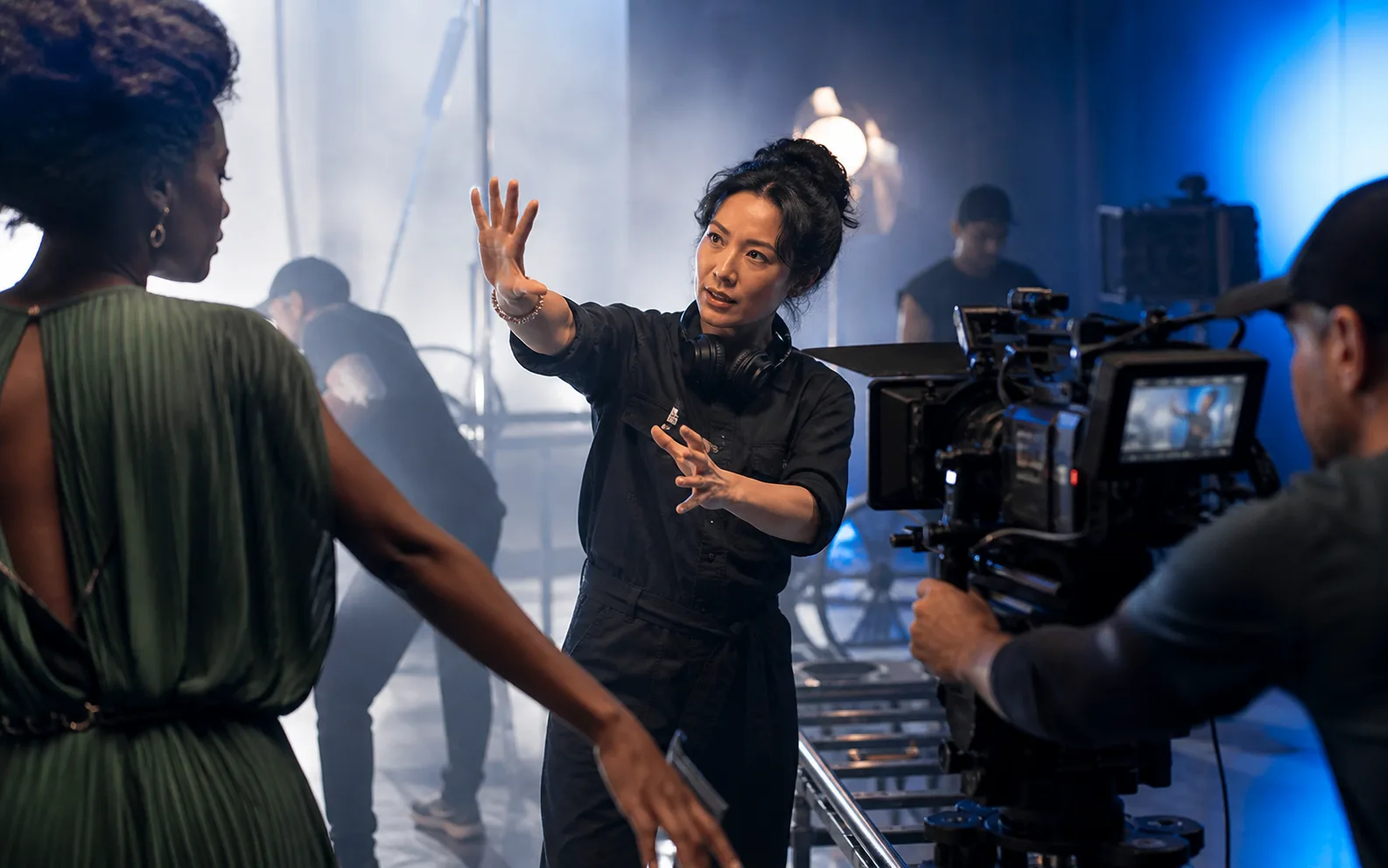
A film director guiding a performer and camera crew on a cinematic set

Three Generation Workflows

Start with text, a first and last frame, or mixed references without rebuilding the shot in separate tools.

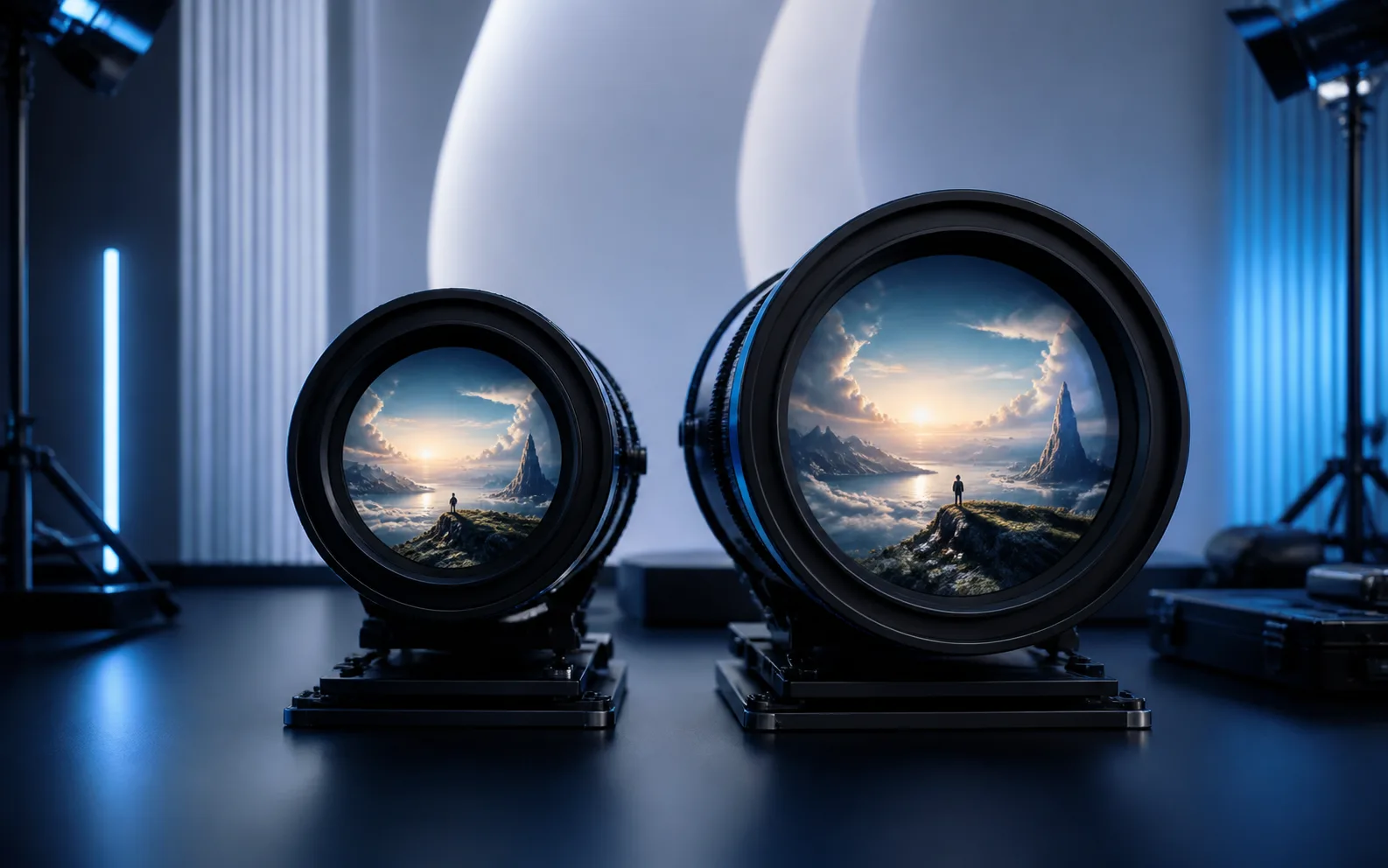
Two premium cinema lenses presenting the same landscape at different scales

Lower-Cost Standard or Faster Prime

Standard uses fewer credits. Prime is speed-optimized to finish Wan 3.0 generation faster while maintaining output quality.

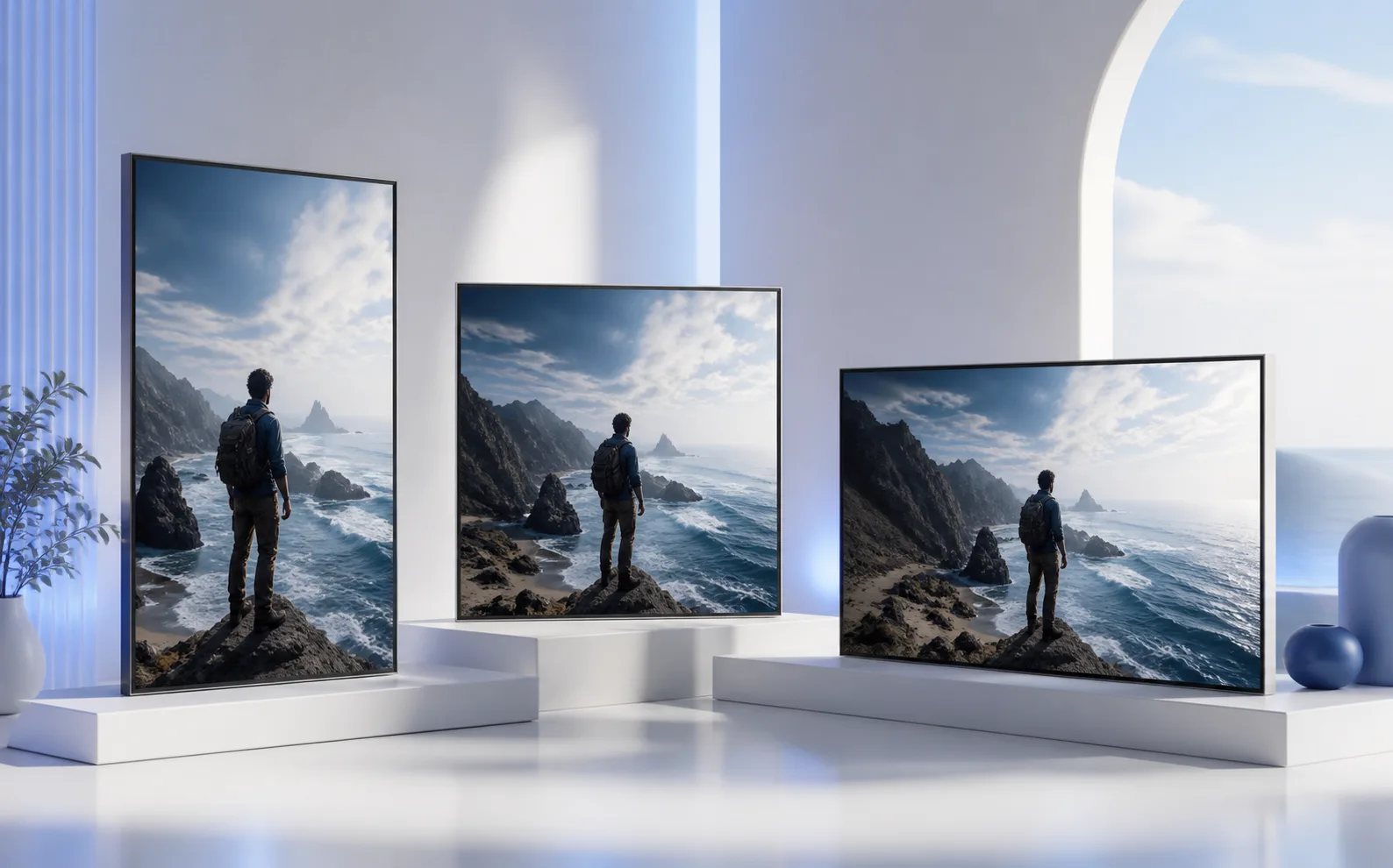
The same coastal scene displayed in portrait, square, and landscape frames

1080p, 30fps, and Flexible Framing

Create at 480p, 720p, or 1080p and 30fps. Use adaptive framing or select landscape, portrait, square, 4:3, or 3:4.

Wan 3.0 Standard vs Prime

Both modes share the same controls. Choose Standard to save credits or Prime for faster generation. The estimate updates before submission; see SeedGen pricing for credit packs.

Mode480p720p1080pBest fit
Standard3 credits/s6 credits/s12 credits/sLower-cost drafts, tests, and routine output
Prime4 credits/s8 credits/s18 credits/sFaster turnaround while maintaining quality

Cost is output seconds × the selected rate. Reference Video also charges rounded reference-video seconds at the matching rate.

How to Use Wan 3.0

01

Choose an input option

Start Wan 3.0 with an image, text, or mixed references. Pick Standard for lower credit use or Prime for speed.

02

Add useful inputs

Add first and last frames, or only the image, video, and audio references that clearly guide the shot.

03

Describe the shot

Tell Wan 3.0 the subject motion, camera behavior, fixed details, and ending in the order they happen.

04

Set and generate

Choose ratio, resolution, and 2–30-second duration. Review the credit estimate, then submit.

Wan 3.0 Use Cases

Ads and ecommerce

Animate a product frame, test camera moves, or carry one campaign look across short placements.

Storyboards and narrative beats

Stage an entrance, action, transition, and ending before full production begins.

Multi-subject scenes

Direct where people move and how the camera tracks action, travel, or ensemble concepts.

Reference-directed creative

Guide Wan 3.0 motion with video, appearance with images, and timing or mood with audio.

Wan 3.0 vs Seedance 2.5

Choose Wan 3.0 for frame control and Standard/Prime flexibility. Choose Seedance 2.5 for reference-heavy, multi-shot work.

Best for
Wan 3.0

Lower-credit Standard or faster Prime generation.

Seedance 2.5

Reference-heavy, multi-shot stories.

Input workflows
Wan 3.0

Text, first and last frames, or mixed references.

Seedance 2.5

Text, image, video, and audio references.

Reference capacity on SeedGen
Wan 3.0

20 assets: 10 images, 5 videos, and 5 audio files.

Seedance 2.5

Up to 50 image, video, and audio references.

Output length
Wan 3.0

2–30 seconds.

Seedance 2.5

4–30 seconds.

Audio
Wan 3.0

Native dialogue, music, and sound effects.

Seedance 2.5

Joint audio-video generation.

Output control
Wan 3.0

480p–1080p at 30fps; adaptive or five fixed ratios.

Seedance 2.5

480p–1080p with workflow-specific ratios.

Need a deeper parameter-by-parameter decision? Read the full Wan 3.0 vs Seedance 2.5 comparison.

Wan 3.0 FAQ

What is the Wan 3.0 AI Video Generator?+

It is SeedGen's browser tool for creating Wan 3.0 videos from text, frames, or mixed image, video, and audio references.

How do Wan 3.0 Standard and Prime differ?+

Standard costs fewer credits per second. Prime generates faster while maintaining output quality and uses a higher rate.

Which resolutions does Wan 3.0 support?+

Choose 480p, 720p, or 1080p output at 30fps.

Which aspect ratios can I use?+

Wan 3.0 supports adaptive, 16:9, 9:16, 1:1, 4:3, and 3:4 framing.

How long can a Wan 3.0 video be?+

Output runs from 2 to 30 seconds. A reference video's rounded duration plus output duration cannot exceed 30 seconds.

What can I upload to Wan 3.0?+

Upload up to 10 images, 5 MP4 or MOV videos, and 5 WAV or MP3 audio files.

Can Wan 3.0 generate audio?+

Yes. It supports synchronized dialogue, background music, and sound effects.

How are Wan 3.0 credits calculated?+

Output seconds use the selected rate. Reference Video also charges for rounded reference-video seconds at the matching rate.

Do I need to install Wan 3.0?+

No. Wan 3.0 runs in your browser with SeedGen's Task Center and creation history.

Can I use Wan 3.0 videos commercially?+

Commercial use depends on SeedGen's terms and your rights to every prompt, upload, likeness, trademark, and audio element.

Create a Video with Wan 3.0

Start with the direction you already have—words, frames, or references—then set the motion, camera, duration, ratio, and generation mode for the shot.

Open the generator